

Collect guest photos from your wedding in one place.
Share one private QR or link. Guests add photos and videos straight from their phone — no app, no account.

A printable QR card next to a phone. The phone shows a private guest upload page for Sara and James.
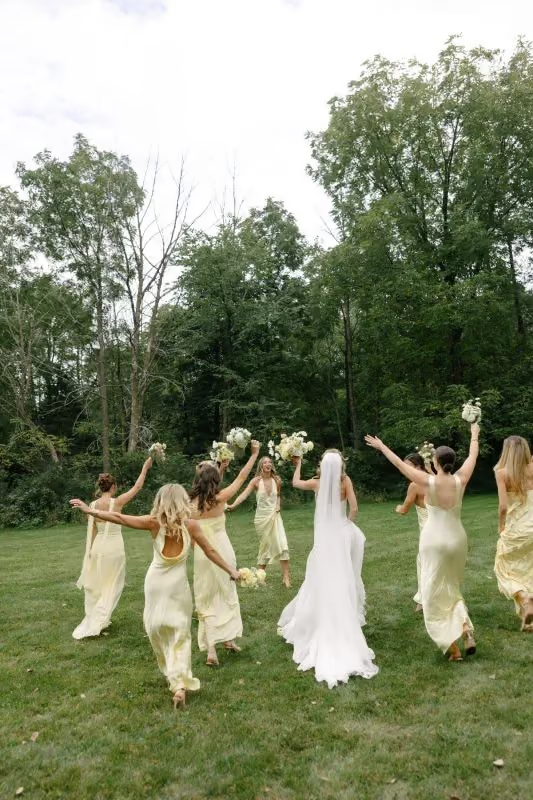




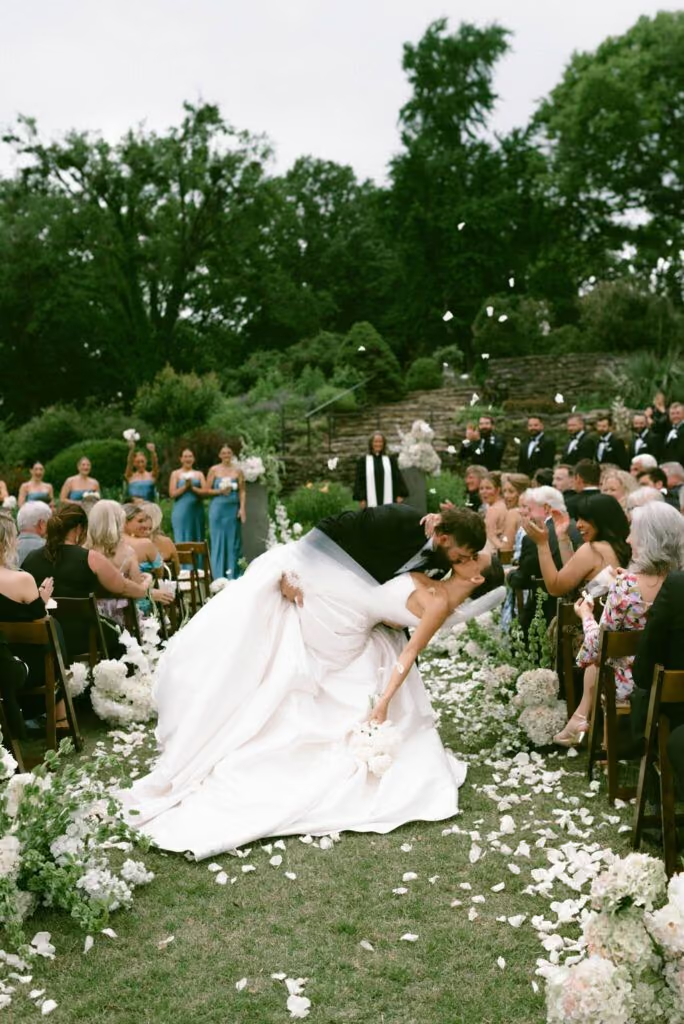


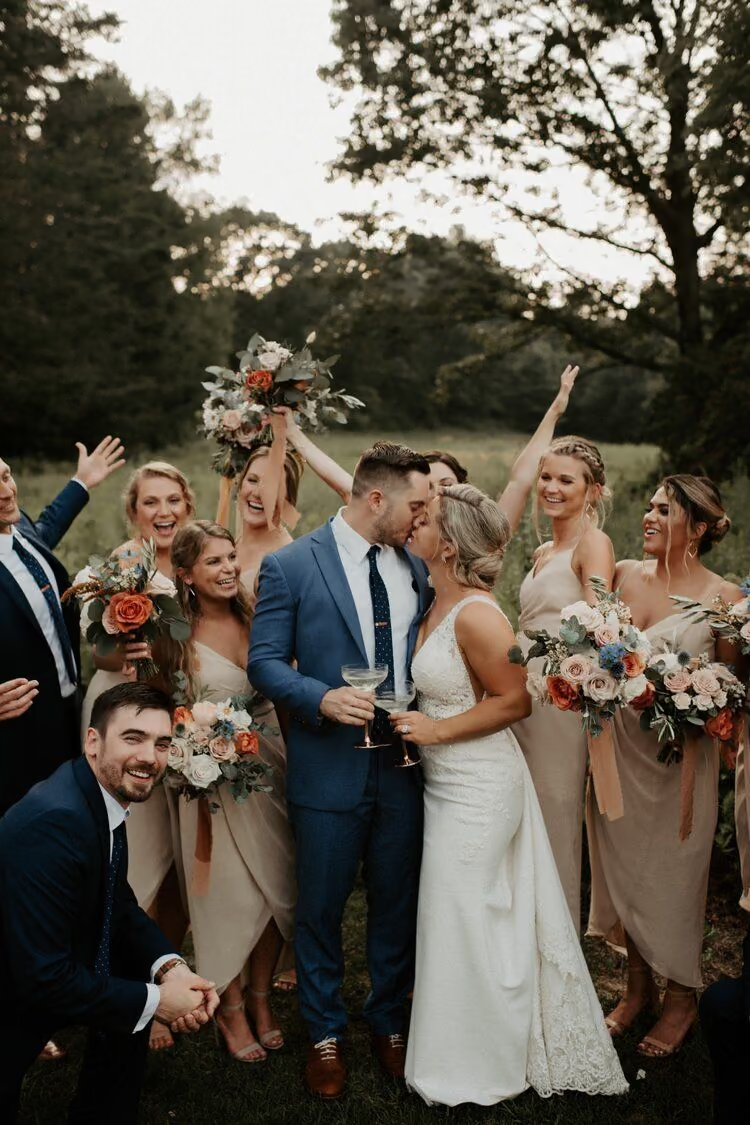
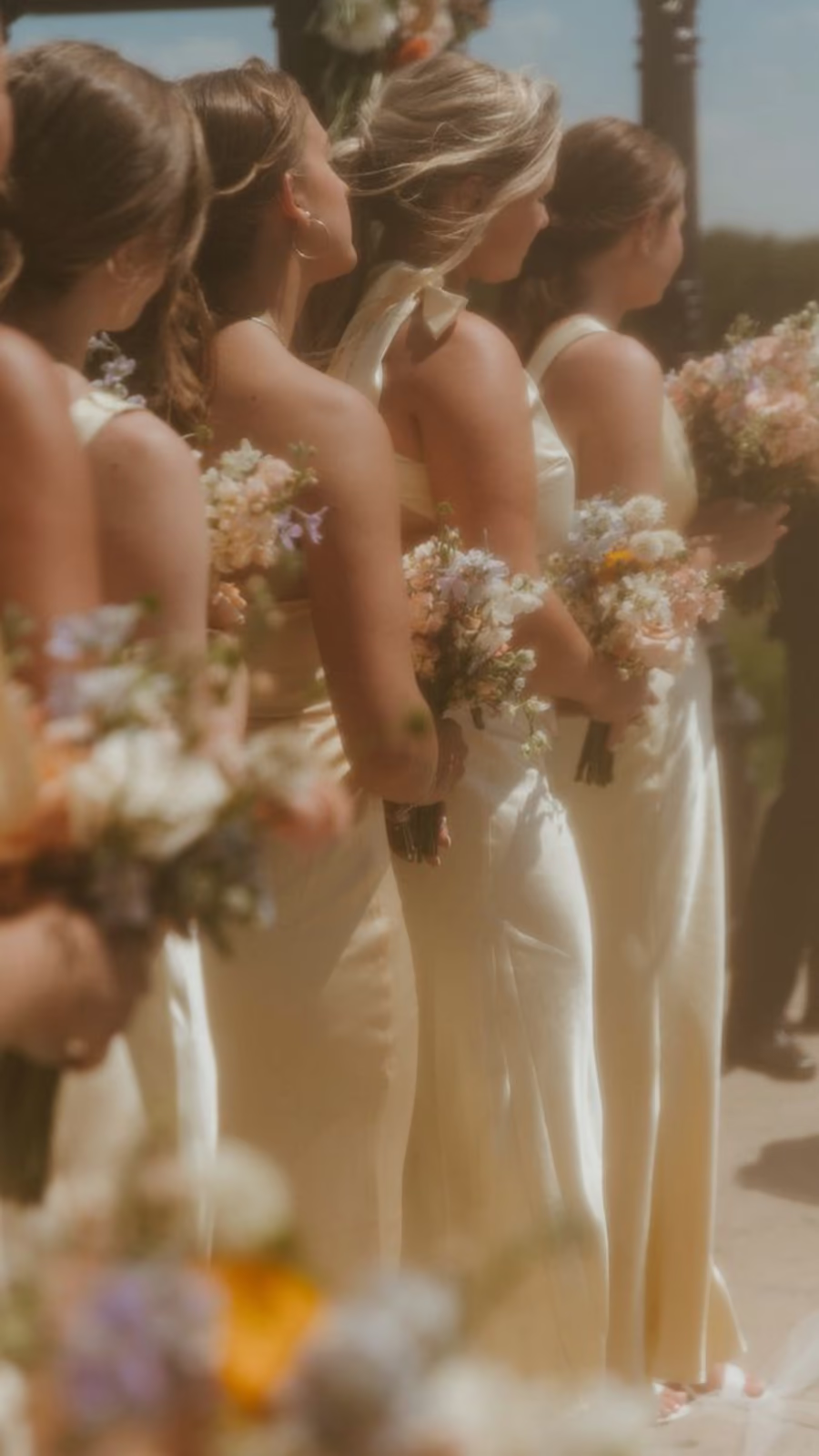
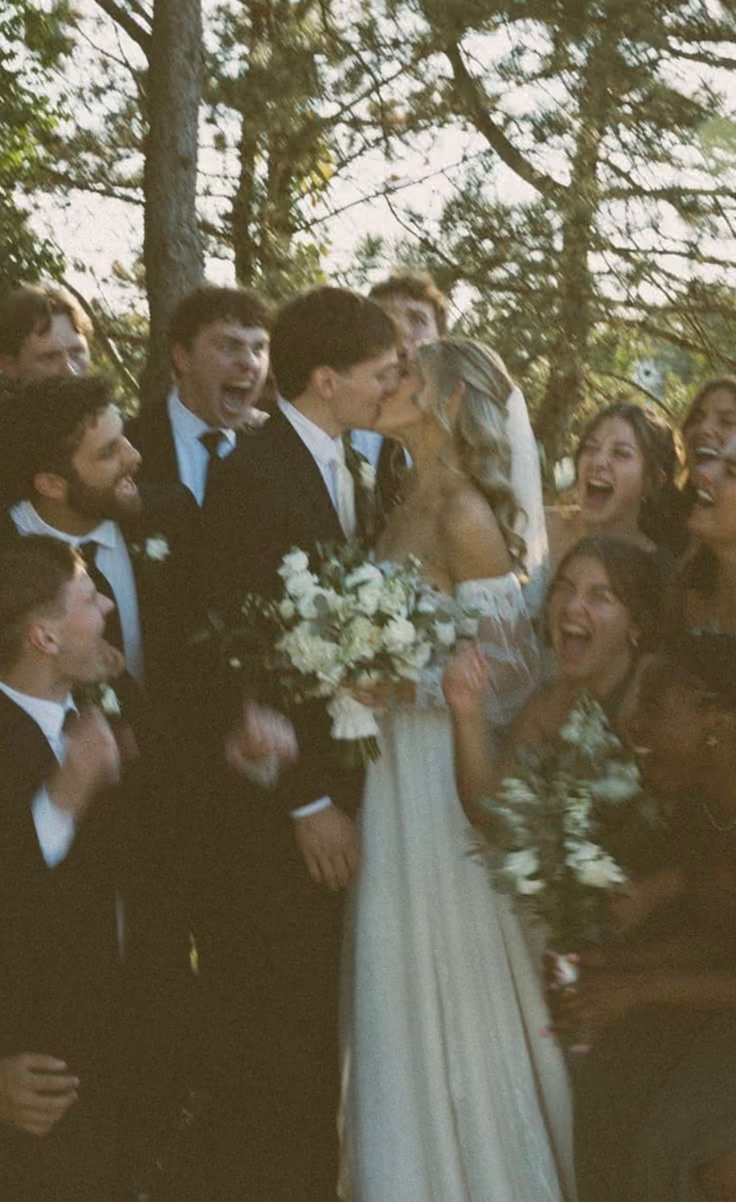
Real wedding moments from guests like yours
Collect wedding guest photos without follow-up messages.
01
Create your gallery
Add your names and event details. You get one private collection for guest photos and videos.
02
Share the QR or link
Print the QR on table cards or signs, or send the private link. Guests open it in their phone browser.
03
Collect and keep
Guest uploads go into one place you control. Review the collection later and download what you want to keep.
Guests can upload even when venue Wi‑Fi is slow.
Guests see your event name, tap once to add photos and videos, then put the phone away. The page stays light and private. It is easy to read for guests of all ages.
- No app install and no guest account
- One stable QR and matching private link
- Photos and videos go into a collection you own
- Built for a phone in a crowded room
See the moments you missed. Do not ask each guest for files later.
Easy Pics is for couples who want candid guest photos next to their photographer’s work. It is not a social network. It is not a free album that stays only in group chats.
Pay once for your wedding. There is no subscription.
Every paid event includes a stable upload URL, a printable QR pack, guest uploads without accounts, host review tools, and a clear retention window.
Essential
$49one-time
Small, single-day weddings
- 5 GB original storage
- 3 months to upload
- 6 months to download
- QR + private upload link
Most couples choose this
Celebration
$59one-time
Most weddings
- 25 GB original storage
- 6 months to upload
- 12 months to download
- QR + private upload link
Weekend
$89one-time
Multi-day weddings with many videos
- 50 GB original storage
- 12 months to upload
- 12 months to download
- QR + private upload link
5 / 5 · 8 reviews
From hosts
“Guests scanned the table QR and uploaded in the browser. Nobody installed an app. We opened the gallery the next morning.”
Verified PurchaseCelebration plan
Prices show in USD based on your location. Create an account to set up your event. Checkout activates your live QR and upload page.
Who this is for
- Couples who want candid guest photos and videos in one private place
- Weddings where guests do not install an app or create accounts
- Hosts who need a printable QR ready before the wedding day
Who this is not for
- Anyone who wants a free permanent shared album
- Studios that need client proofing, contracts, or RAW delivery
- Large corporate events that need SSO or complex review workflows
From hosts
What couples say
Short notes from hosts who collected guest photos with a private QR and browser upload.
5
8 reviews
Guests scanned the table QR and uploaded in the browser. Nobody installed an app. We opened the gallery the next morning.
“Older relatives used it on the first try. One private link. Photos and videos landed in one place.”
“We paid once. No subscription. The QR stayed stable after we printed the signs. Guest upload was simple at a busy reception.”
“We did not chase people for files after the wedding. Candids from guests sat next to our photographer’s set.”
“The one-time price was clear. We printed the QR on table cards and guests used it all night.”
“Setup took a few minutes. The private gallery was ready before we left for the venue.”
“Guests sent photos and short videos. We downloaded everything after the honeymoon without follow-up messages.”
“We wanted no guest accounts. Browser upload worked on every phone at the reception.”
Common questions
- Do guests need an app or account?
- No. The QR code or link opens an upload page in their phone browser. Guests do not create an Easy Pics account.
- What if someone cannot scan the QR?
- Every paid event includes a private link. The link opens the same guest page as the QR code.
- Are the photos private?
- The collection is for the hosts. It is not a public social feed. Anyone with the event link can upload. Share the link only with your guests.
- Does this replace our photographer?
- No. Easy Pics collects candid photos and videos from guests. These moments add to your professional photos.
- Is there a free permanent event?
- No. Easy Pics is a one-time paid package per wedding. You can create an account and explore the product before you buy an event plan.
Start collecting photos from your guests’ phones.
Create an account. Set up your wedding gallery. Share one QR when you are ready.